Quick Start
This section explains how to install LlamaPi and run your first model.
Install LlamaPi
If the Firefly APT repository is configured on the device, install LlamaPi directly:
sudo apt install llamapi
Alternatively, copy the deb packages to the device, open their directory, and install them locally:
sudo dpkg -i ./firefly-llamapi-*.deb
Use LlamaPi to Run a Model
Use the llamapi run command to run the qwen3:4b model:
llamapi run qwen3:4b
The llamapi run command automatically selects and downloads a model available on the current hardware:
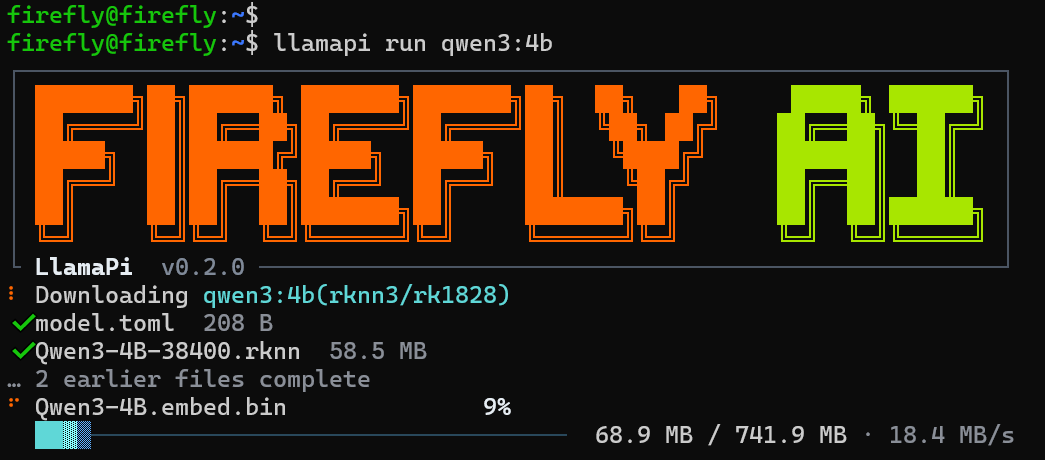
After the model is downloaded and loaded, the terminal enters an interactive chat:
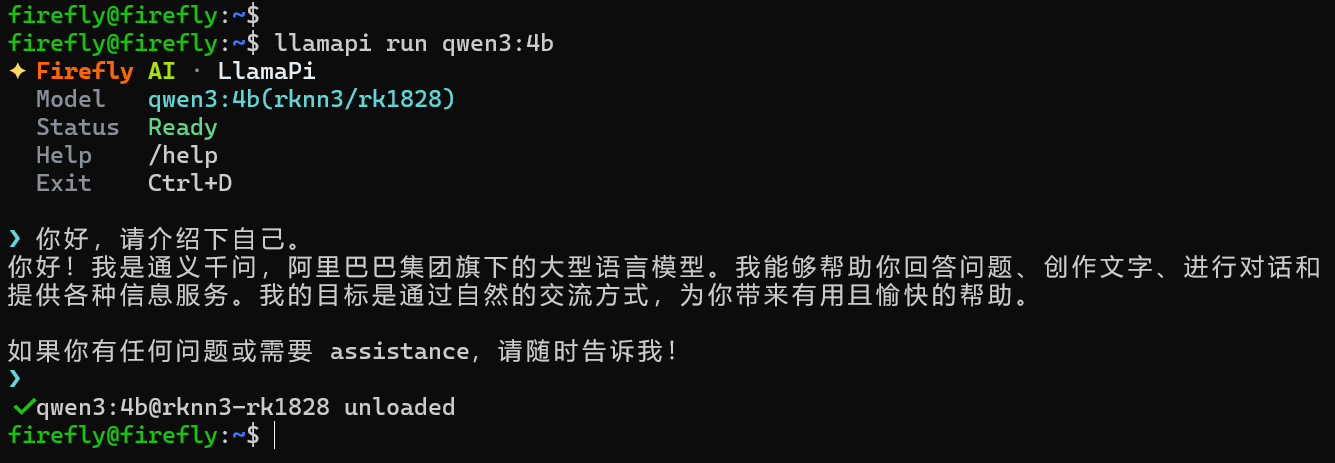
Chat with the model at the prompt, then use /exit or Ctrl+D to leave.
View Models Available on the Current Hardware
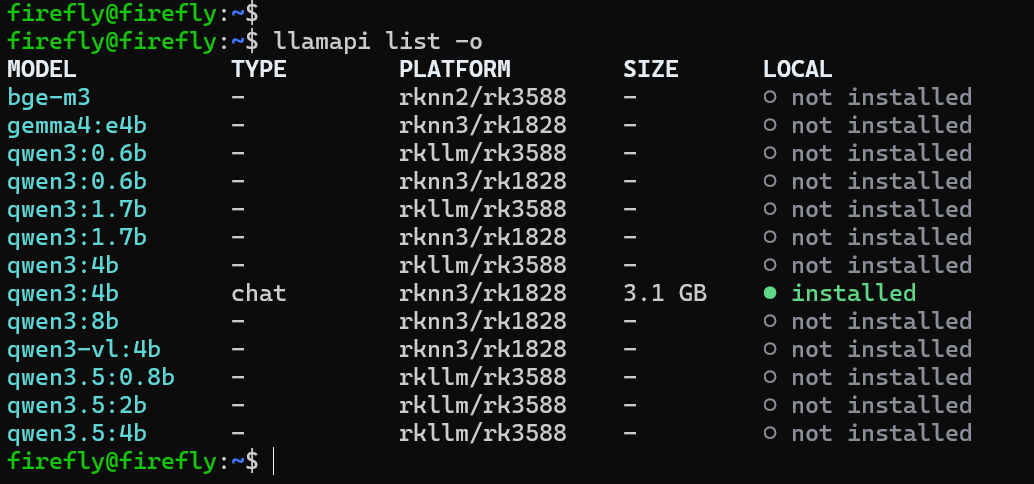
List models available on the current hardware:
llamapi list --online
The following example uses an RK3588 + RK1828 hardware platform:
Next Steps
- Download and remove local models: Download and Manage Models
- Run and deploy models: Run and Deploy Models
- Configure automatic loading at service startup: Persistent Deployment
- Connect a model to an existing application: Connect Third-Party Applications