Loader upgrade mode
For the introduction of boot mode, please refer to the chapter “Introduction to updating firmware”
Introduction
In Loader mode, the bootloader will enter the upgrade state, waiting for the host command for firmware upgrade and so on. To enter Loader mode, the bootloader must detect a RECOVERY key press at startup and the USB is connected.
Here’s how to put your device into upgrade mode:
- Disconnect the power adapter first:
- Dual male usb data cable connects one end to the host and the other end to the development board.
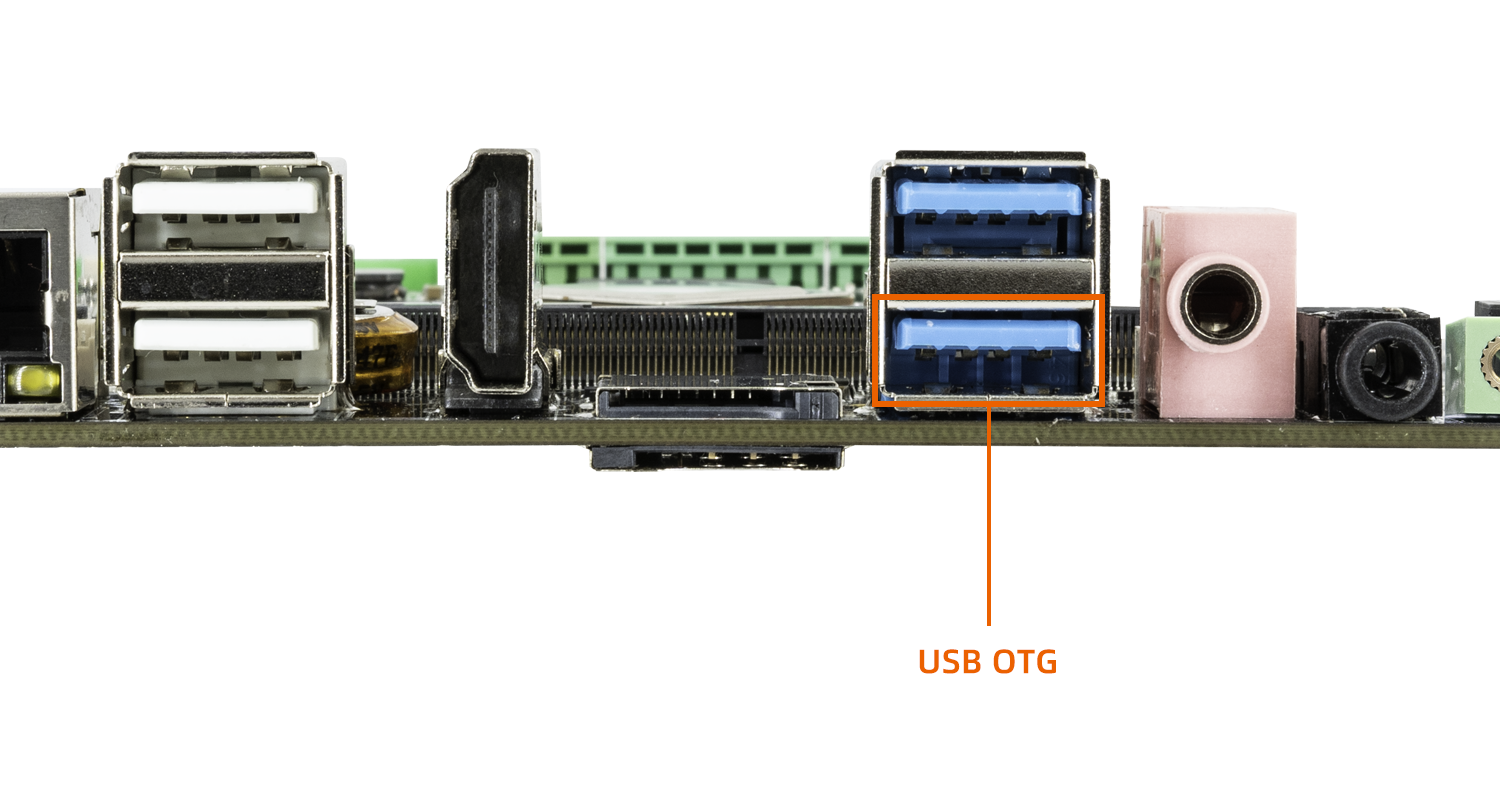
- Press the
RECOVERYbutton on the device and hold.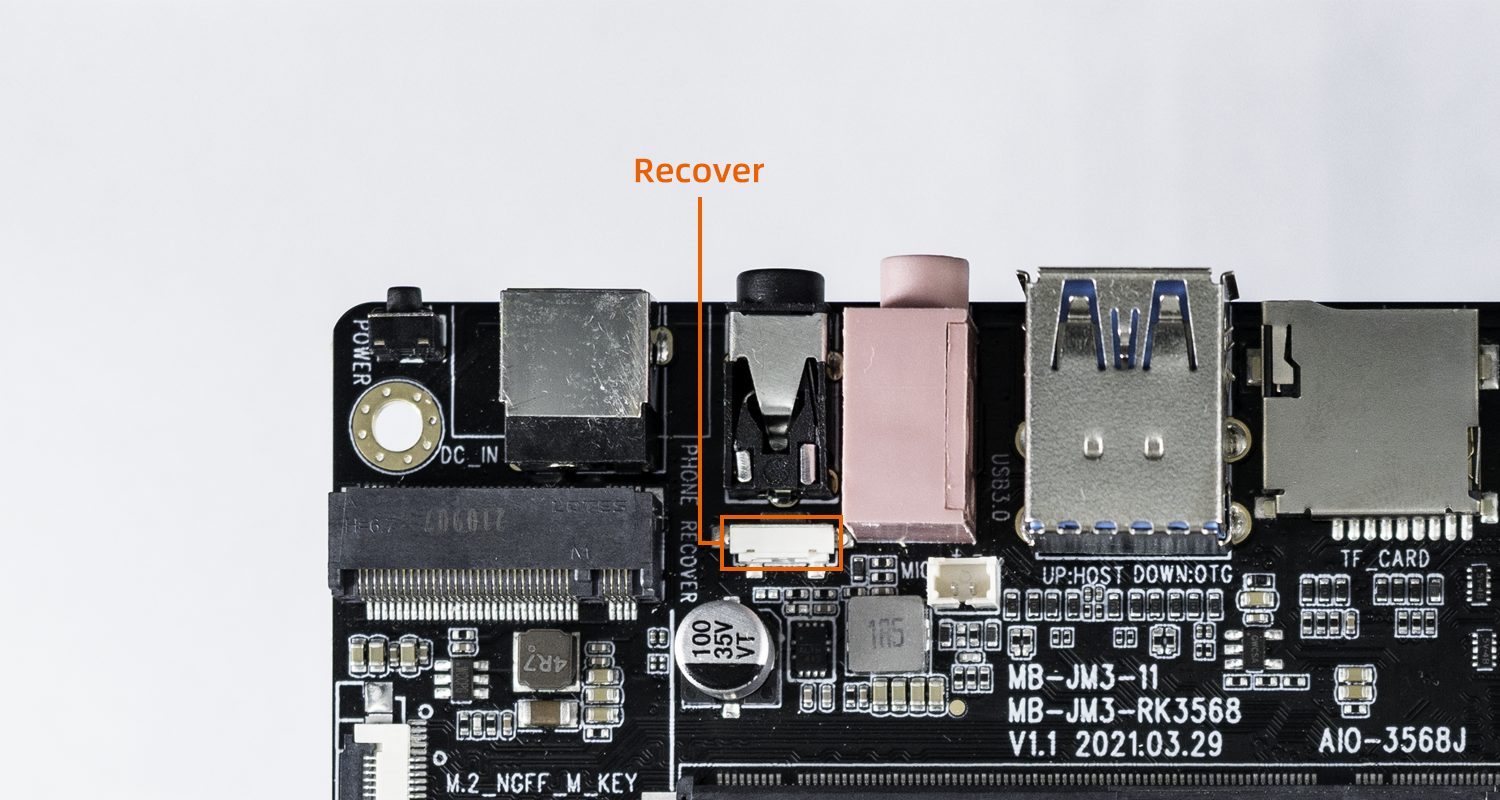
- Connect to the power supply.
- About two seconds later, release the
RECOVERYbutton.
upgrade firmware
Developers can choose different firmware upgrade tools according to their different PC operating systems.
- Windows environment
If developers use Windows host for development, they can use RKDevTool to upgrade the tool. For details, please refer to “Using RKDevTool to upgrade firmware”.
- Linux environment
If developers use Linux host for development, they can use upgrade_tool to upgrade the tool. For details, please refer to “Using upgrade_tool to upgrade firmware”.