Docker使用
Docker使用1、启动镜像2、ROS环境搭建2.1、更新系统软件2.2、确定语言环境2.2.1、验证系统环境2.2.2、设置UTF-8环境2.3、设置软件源2.4、设置密钥2.5、安装ROS1桌面版2.6、安装ROS1依赖2.7、rosdep初始化2.8、设置环境变量2.8.1、临时设置2.8.2、自动设置(推荐)3、提交镜像4、验证镜像/ROS4.1、启动镜像4.2、验证ROS环境
教程基于ubuntu:18.04搭建ROS1:Melodic环境!
1、启动镜像
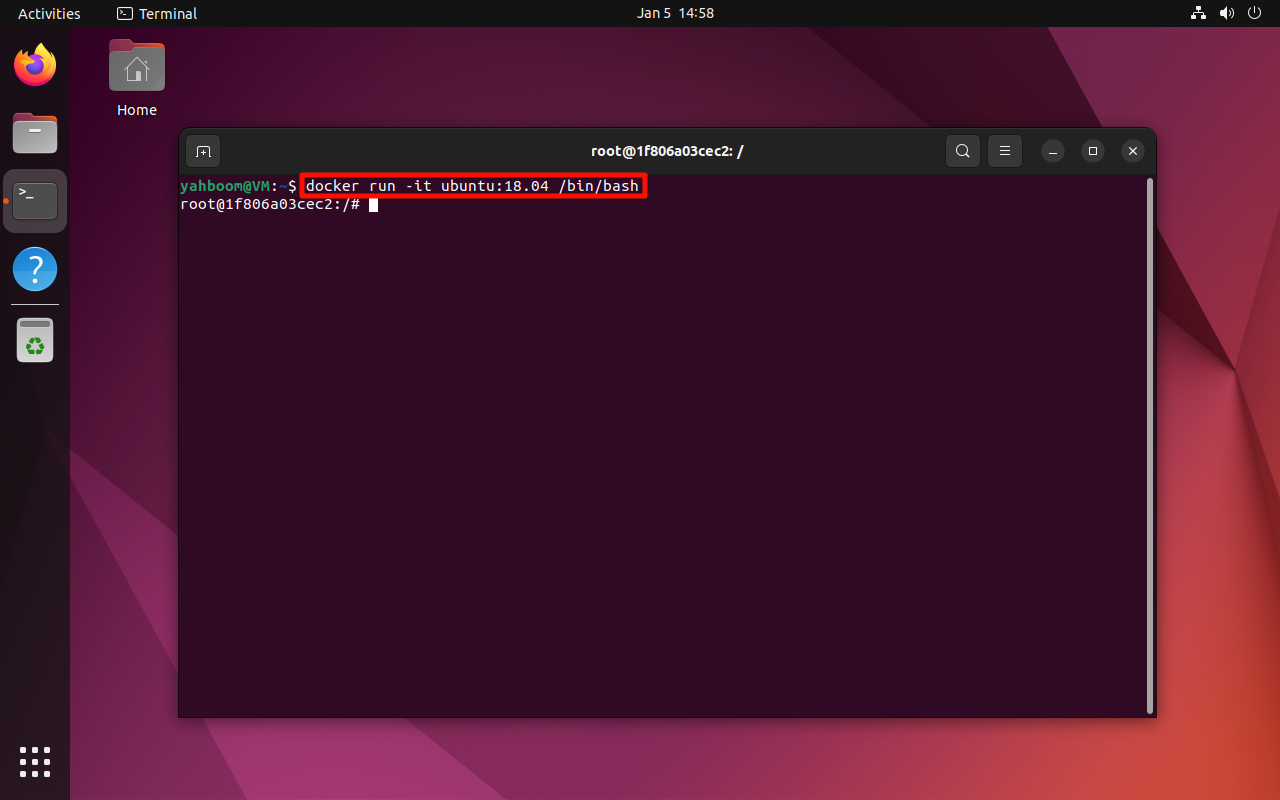
以交互模式启动ubuntu:18.04镜像:
docker run -it ubuntu:18.04 /bin/bash
2、ROS环境搭建
Docker内无需使用管理员权限,若主机安装ROS环境,需要将命令添加sudo。
2.1、更新系统软件
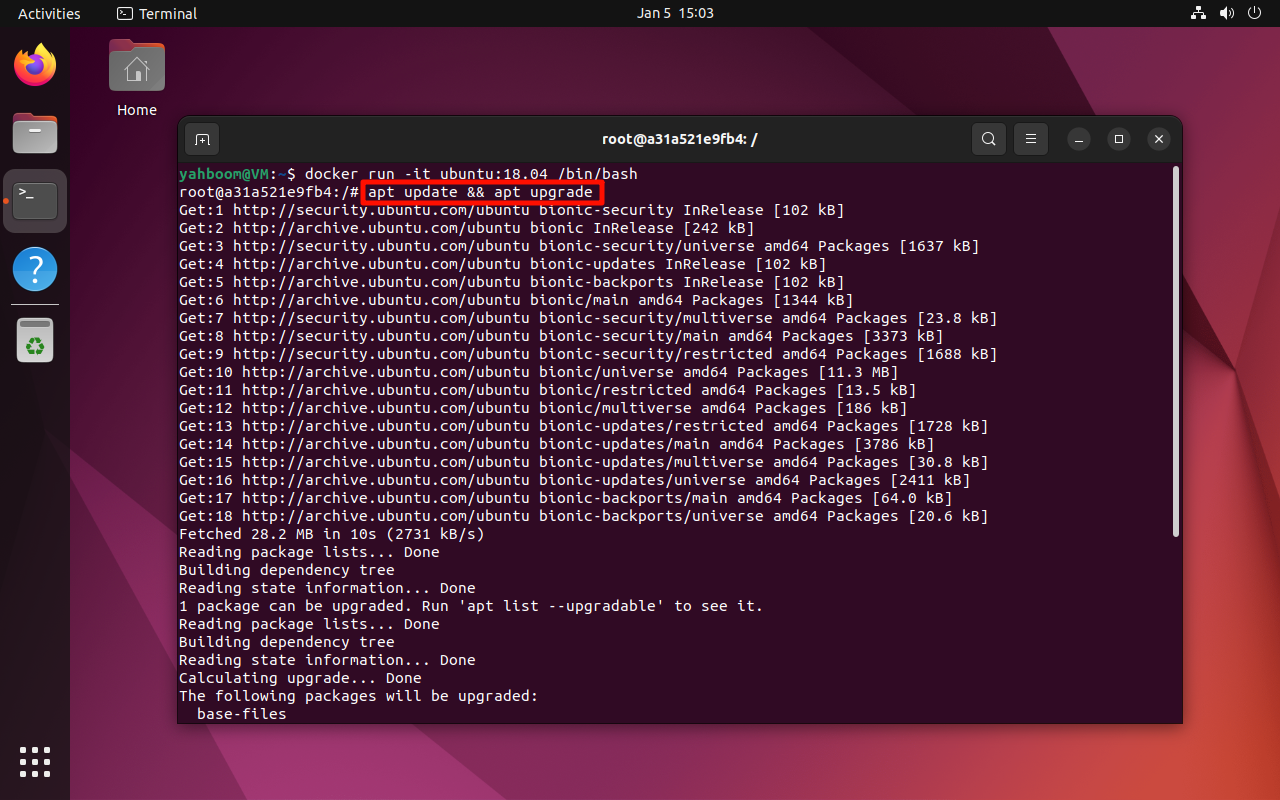
安装ROS1环境一般需要保证系统软件包是最新的状态:
xxxxxxxxxx apt update && apt upgrade
2.2、确定语言环境
确保系统语言环境支持UTF-8!
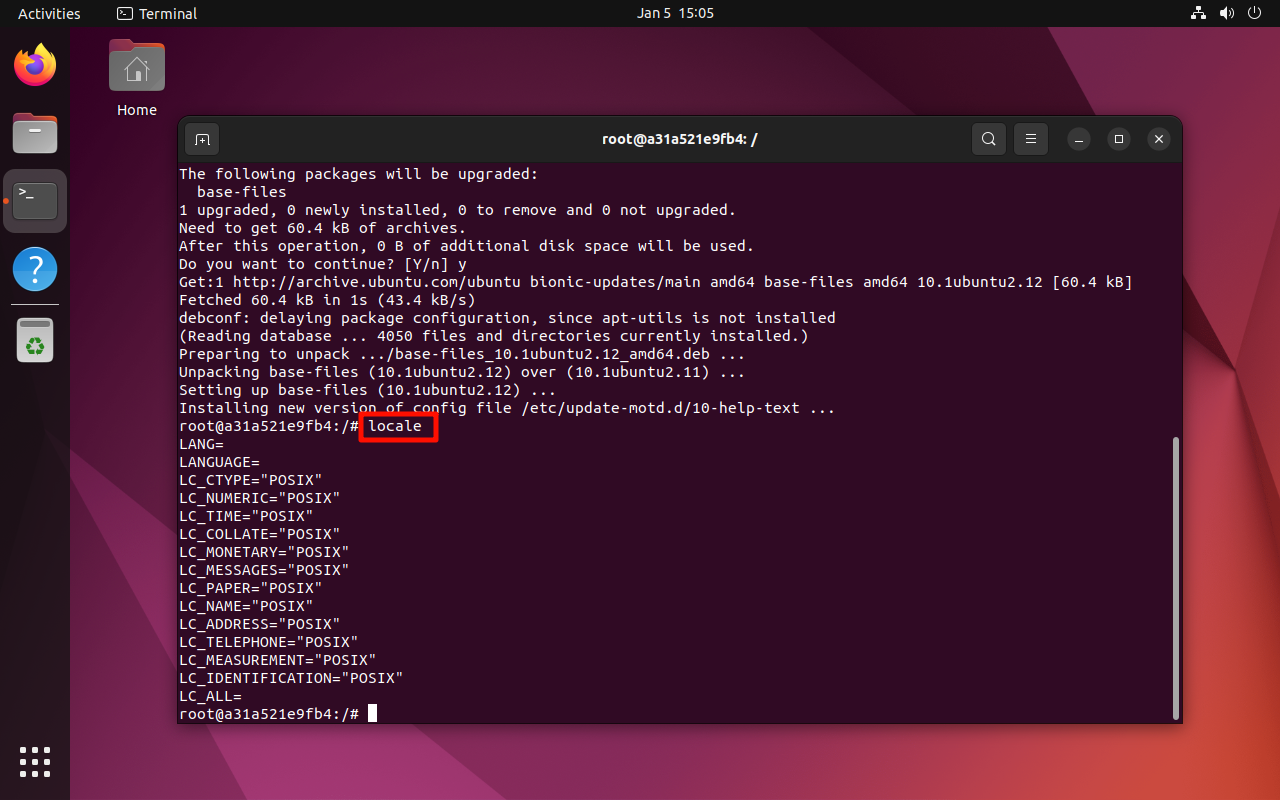
2.2.1、验证系统环境
xxxxxxxxxx locale
2.2.2、设置UTF-8环境
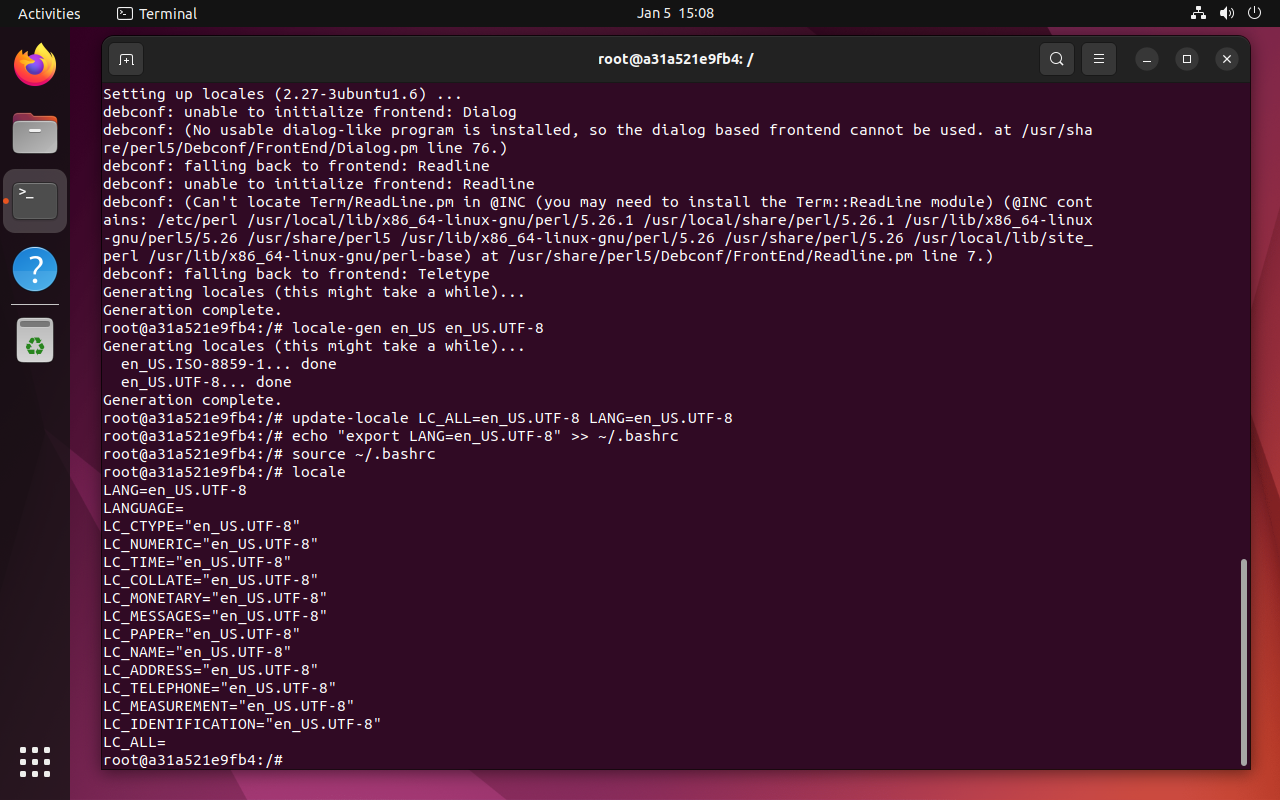
若系统语言不支持UTF-8环境,终端逐行输入下面命令:
xxxxxxxxxx apt install locales locale-gen en_US en_US.UTF-8 update-locale LC_ALL=en_US.UTF-8 LANG=en_US.UTF-8 echo "export LANG=en_US.UTF-8" >> ~/.bashrc source ~/.bashrc
2.3、设置软件源
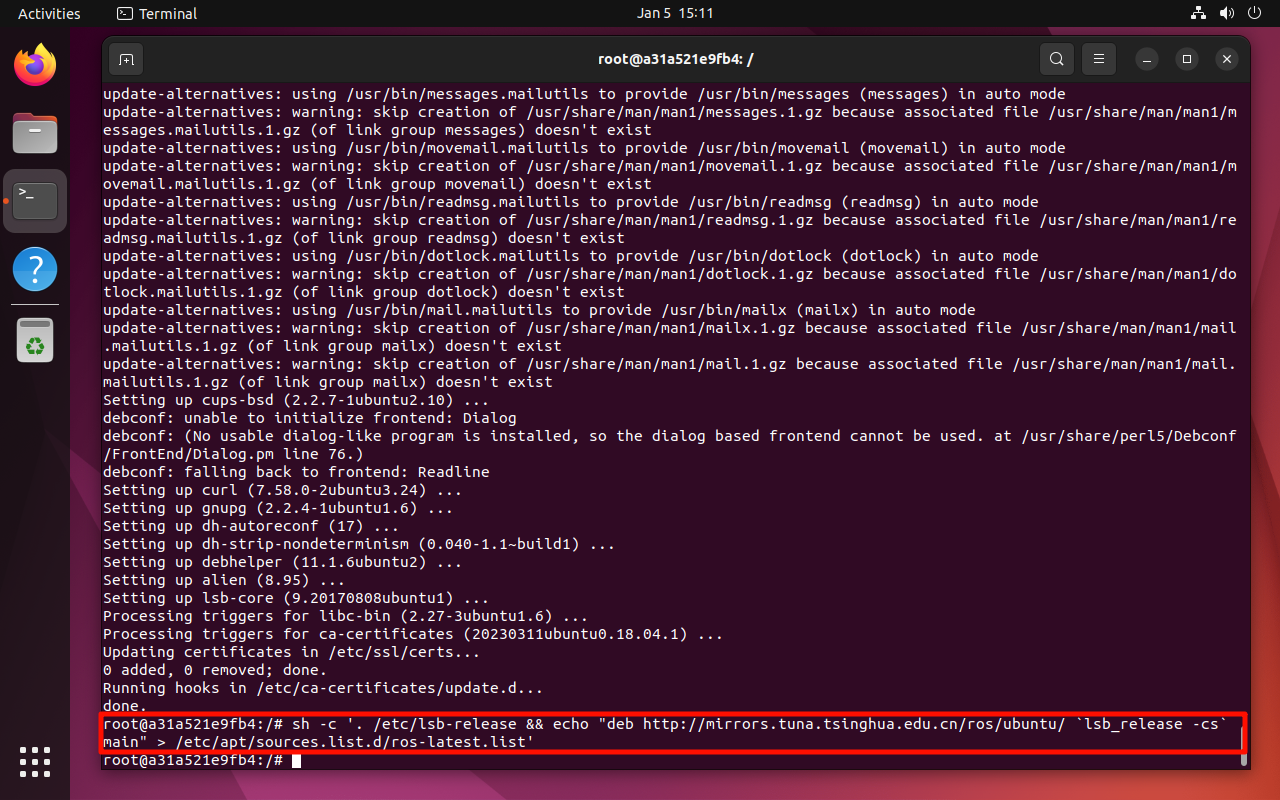
xxxxxxxxxx apt install lsb-core xxxxxxxxxx sh -c '. /etc/lsb-release && echo "deb http://mirrors.tuna.tsinghua.edu.cn/ros/ubuntu/ `lsb_release -cs` main" > /etc/apt/sources.list.d/ros-latest.list'
2.4、设置密钥
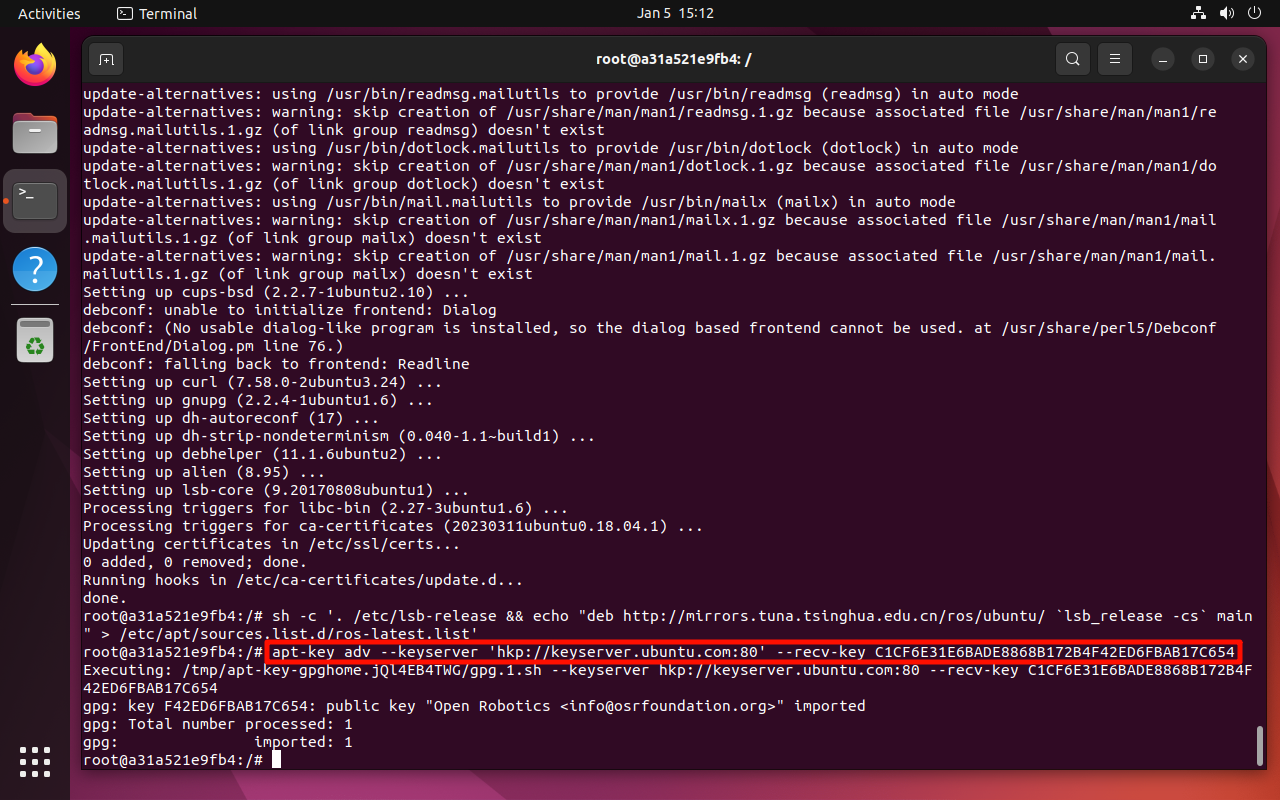
xxxxxxxxxx apt-key adv --keyserver 'hkp://keyserver.ubuntu.com:80' --recv-key C1CF6E31E6BADE8868B172B4F42ED6FBAB17C654
2.5、安装ROS1桌面版
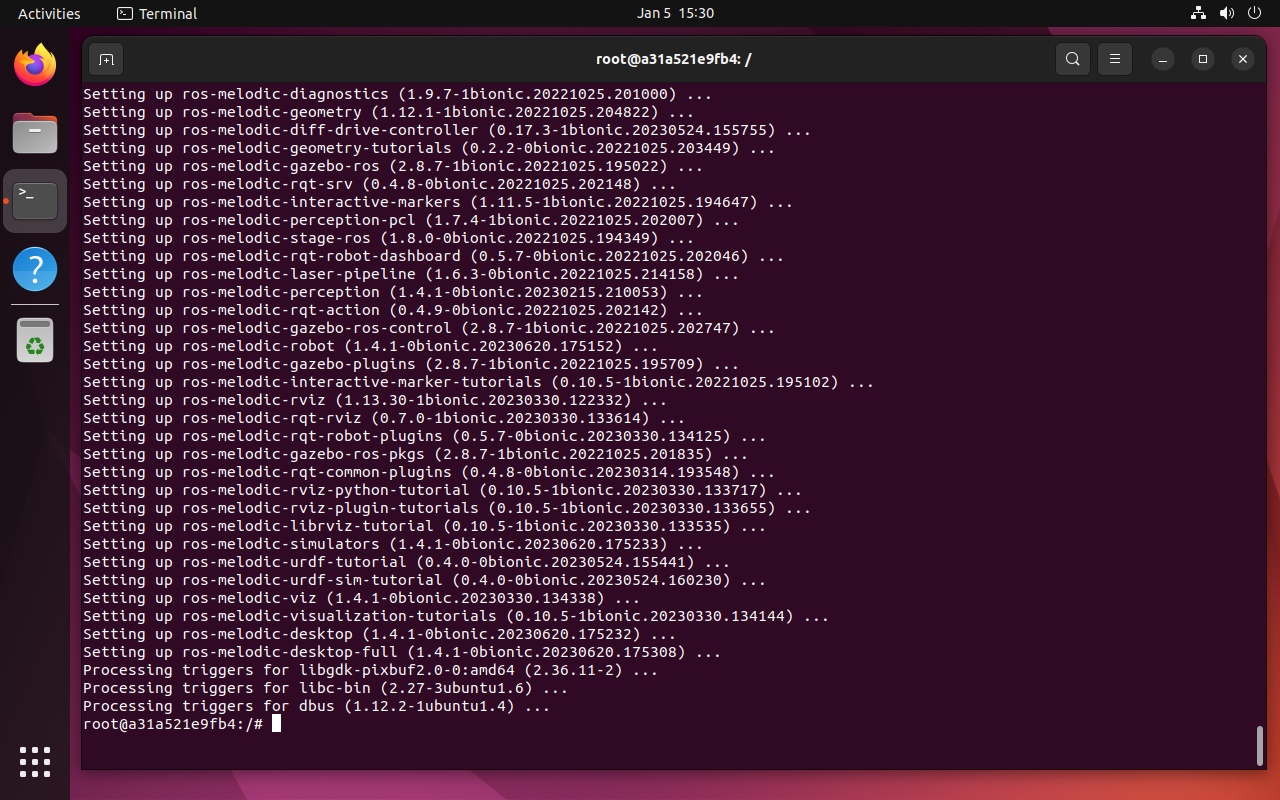
ROS桌面版包含ROS1核心功能、常用工具和库:
xxxxxxxxxx apt update && apt upgrade xxxxxxxxxx apt install ros-melodic-desktop-full -y
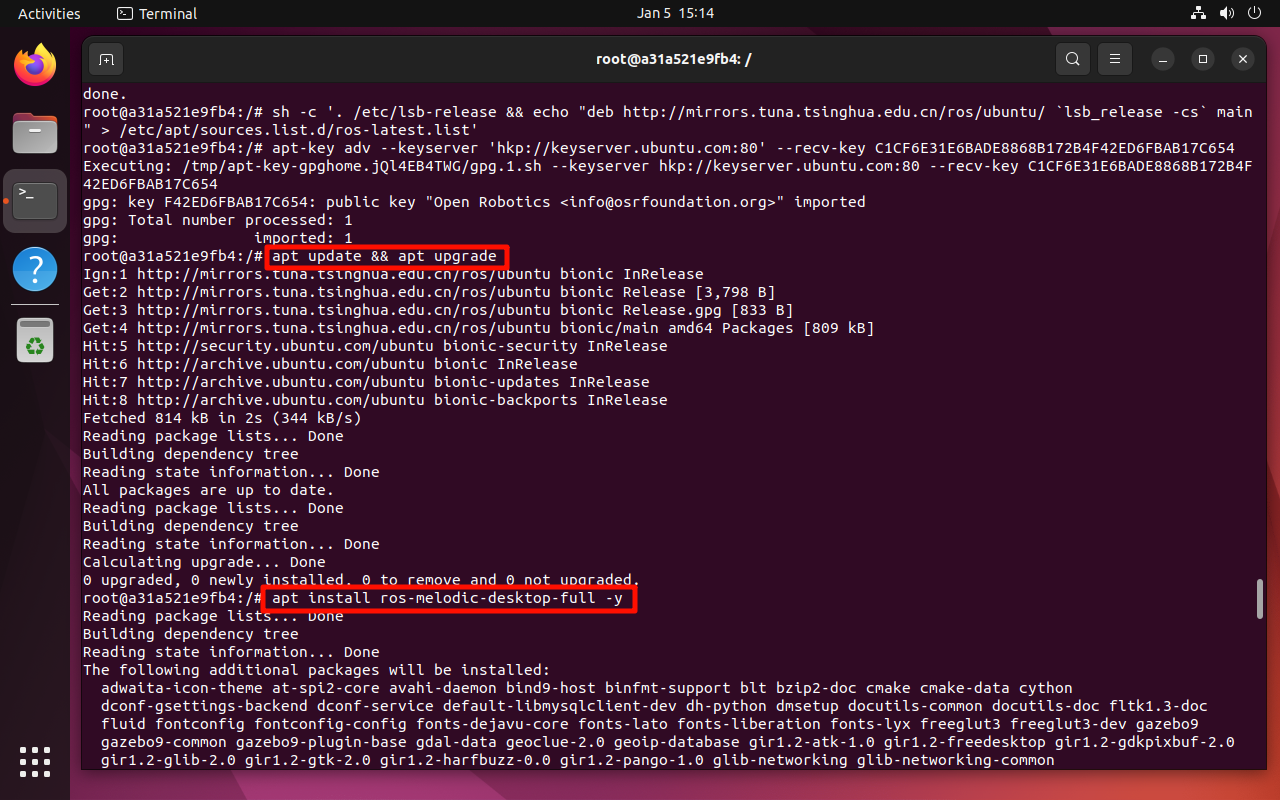
中间需要自行选择地区和城市:此处不演示
2.6、安装ROS1依赖
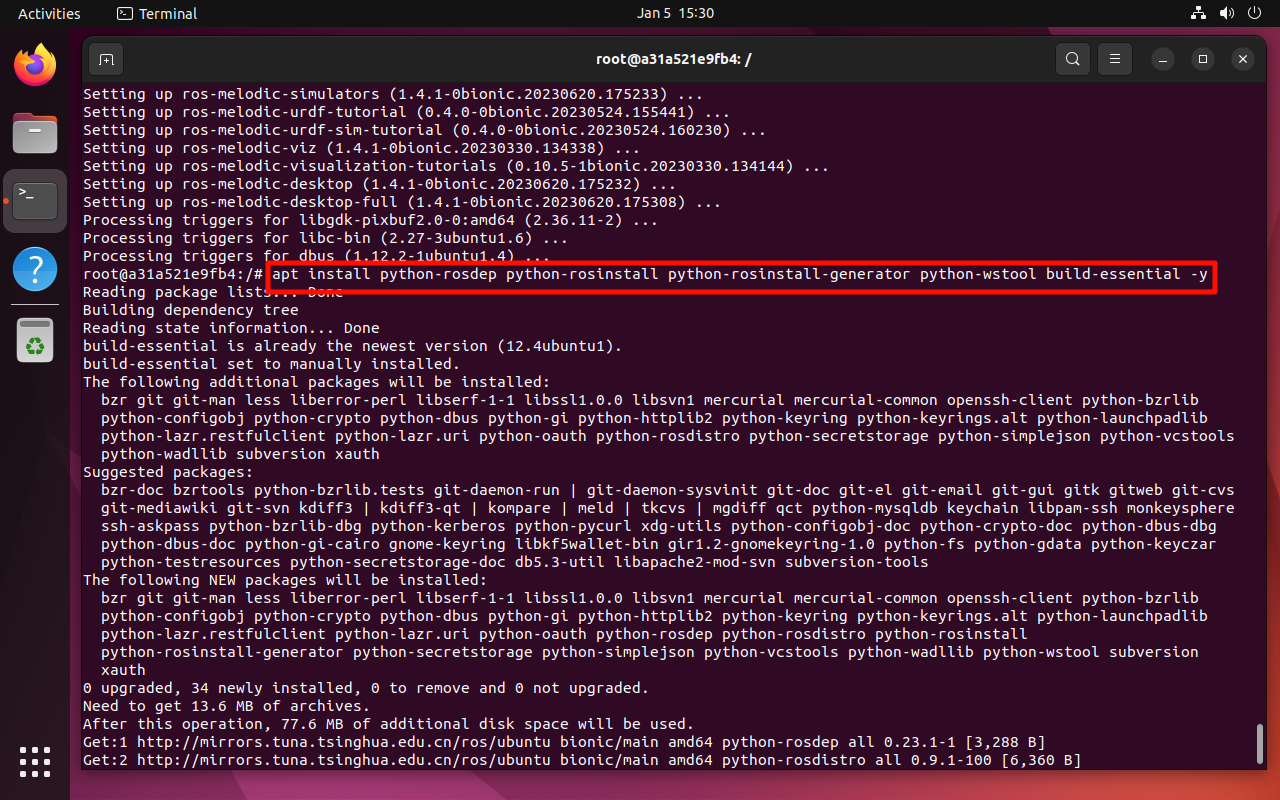
xxxxxxxxxx apt install python-rosdep python-rosinstall python-rosinstall-generator python-wstool build-essential -y
2.7、rosdep初始化
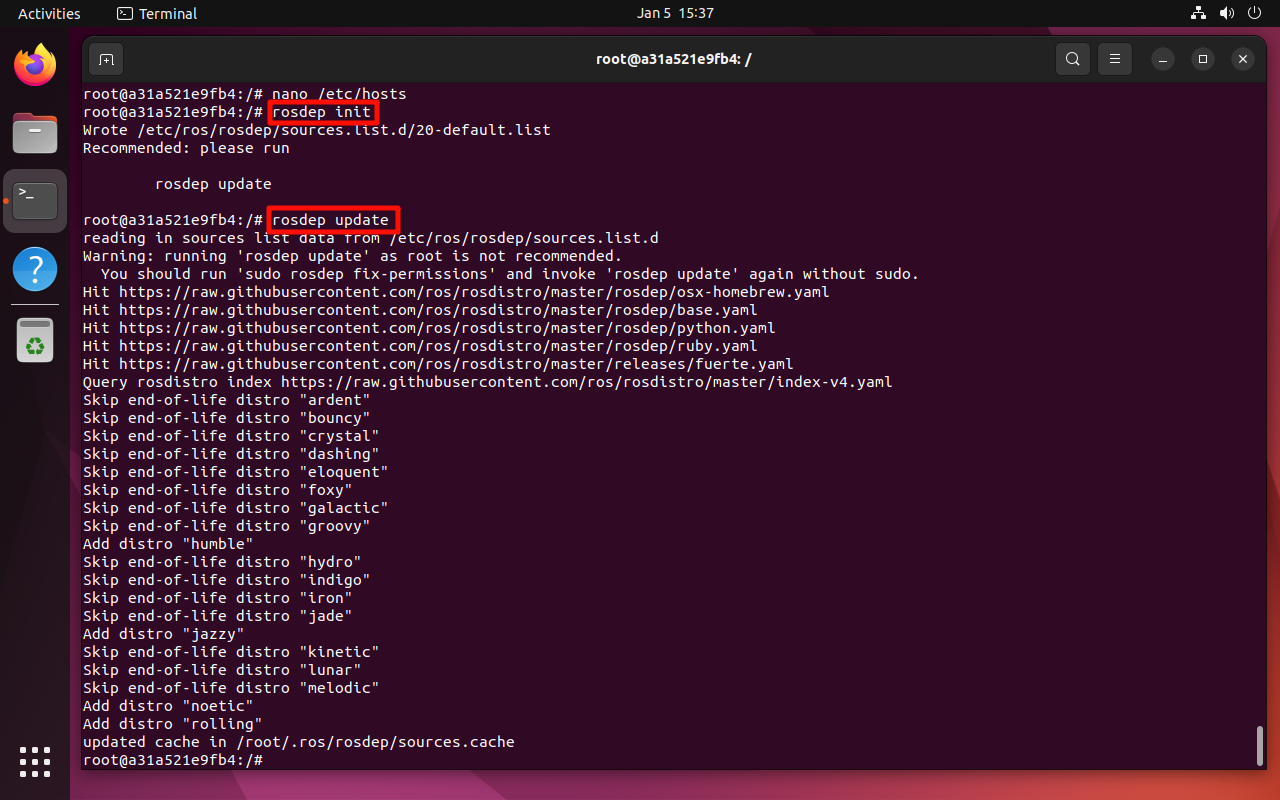
xxxxxxxxxx rosdep init rosdep update
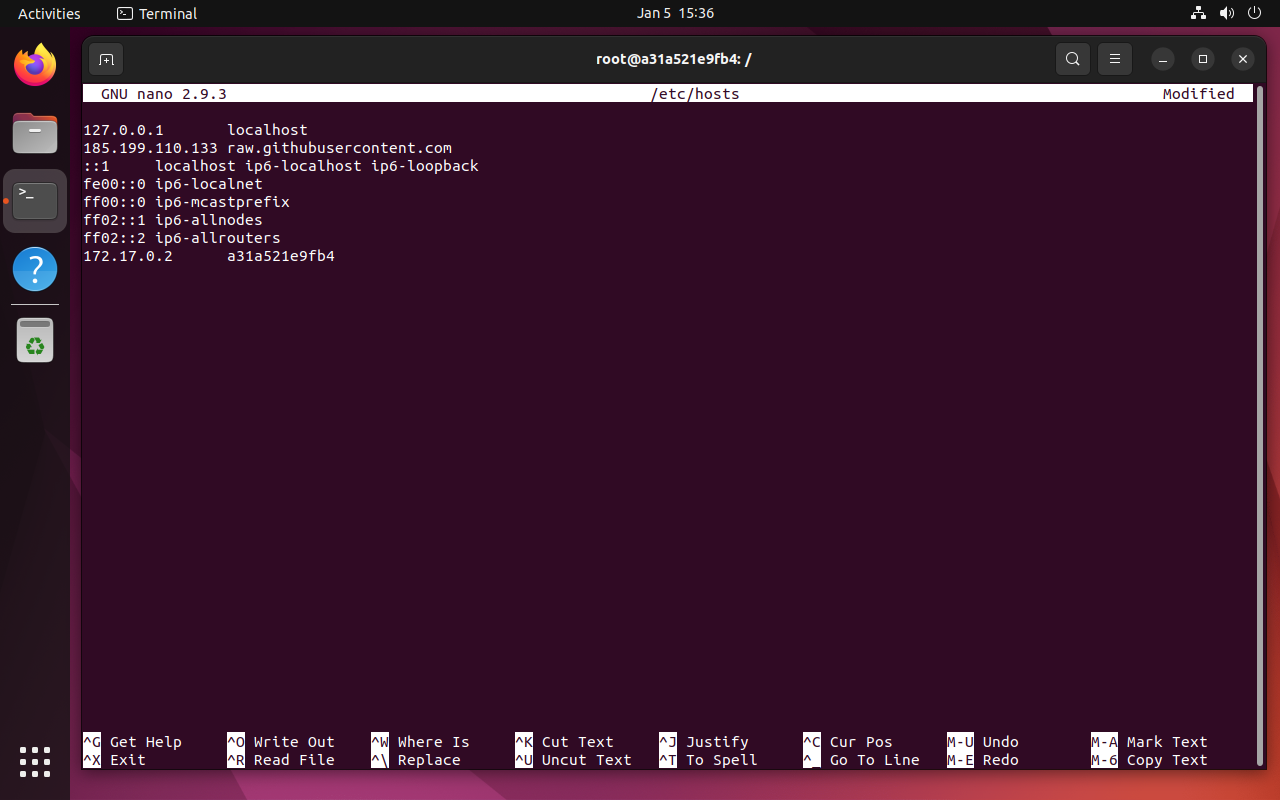
若rosdep init出现ERROR: cannot download default sources list from: https://raw.githubusercontent.com/ros/rosdistro/master/rosdep/sources.list.d/20-default.list Website may be down.错误提示,访问https://www.ipaddress.com/搜索raw.githubusercontent.com域名,并将搜索得到的IP地址填写进/etc/hosts文件:
xxxxxxxxxx apt install nano -y xxxxxxxxxx nano /etc/hosts xxxxxxxxxx 185.199.110.133 raw.githubusercontent.com
重新运行:
xxxxxxxxxx rosdep init rosdep update
2.8、设置环境变量
2.8.1、临时设置
刷新当前终端环境变量:
xxxxxxxxxx source /opt/ros/melodic/setup.bash
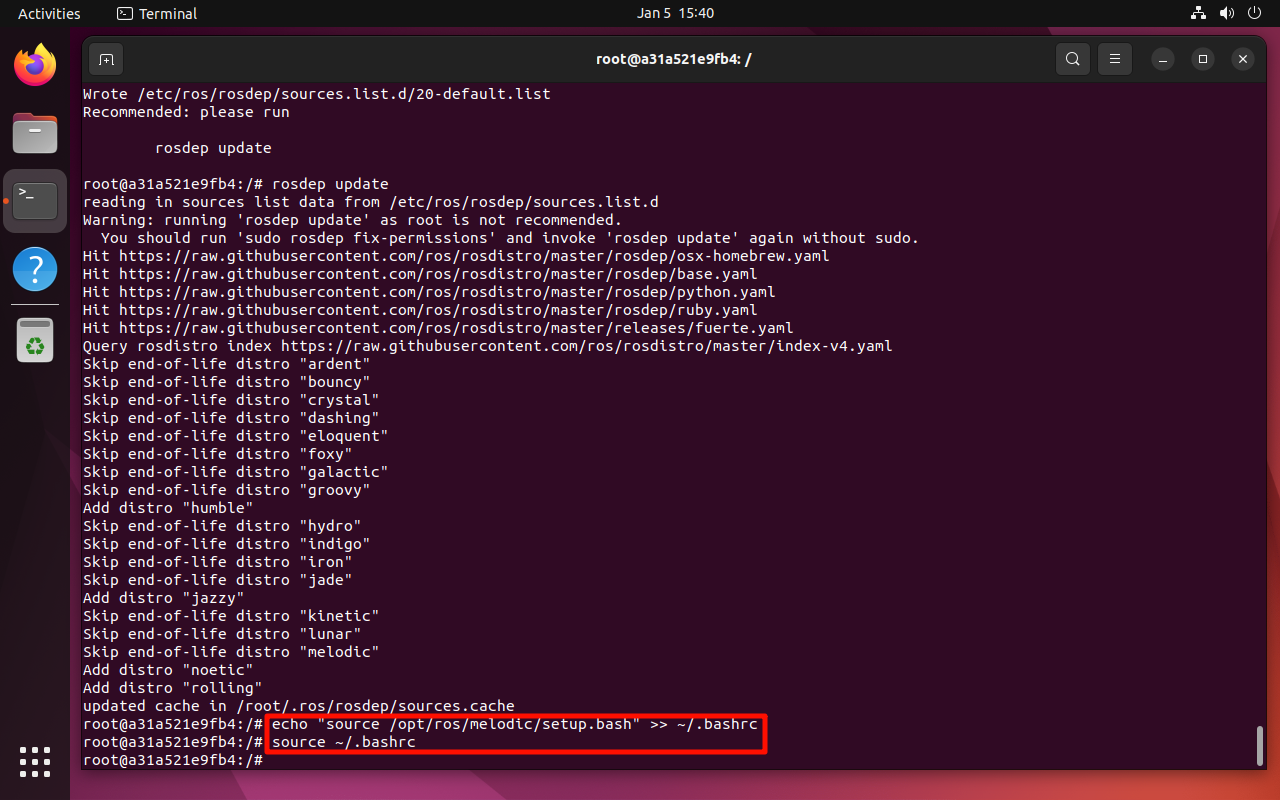
2.8.2、自动设置(推荐)
打开终端自动刷新环境变量:打开终端会自动刷新.bashrc文件内容
xxxxxxxxxx echo "source /opt/ros/melodic/setup.bash" >> ~/.bashrc source ~/.bashrc
3、提交镜像
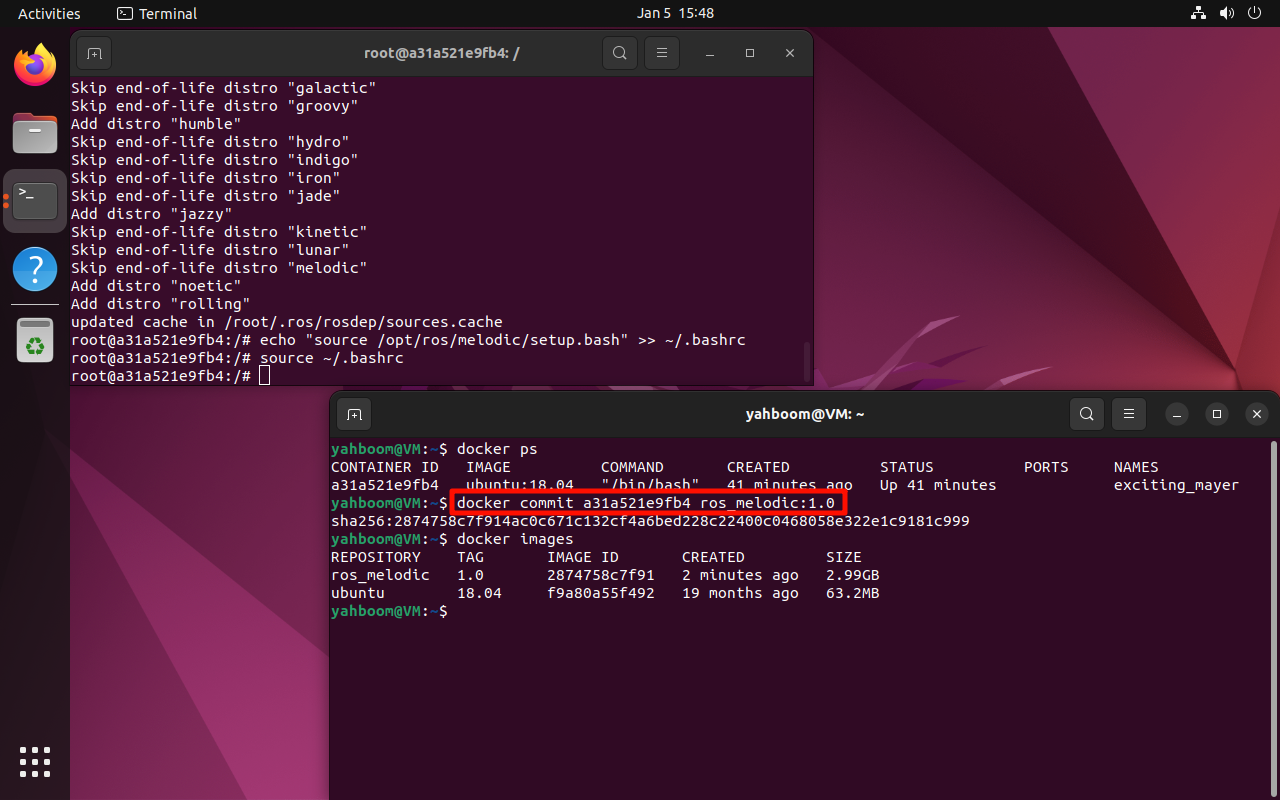
本地提交新的镜像才会把之前搭建的ROS环境保存下来,不然下次启动docker镜像,容器内还是没有ROS环境。
注意:根据实际CONTAINER ID进行修改
xxxxxxxxxx docker commit a31a521e9fb4 ros_melodic:1.0
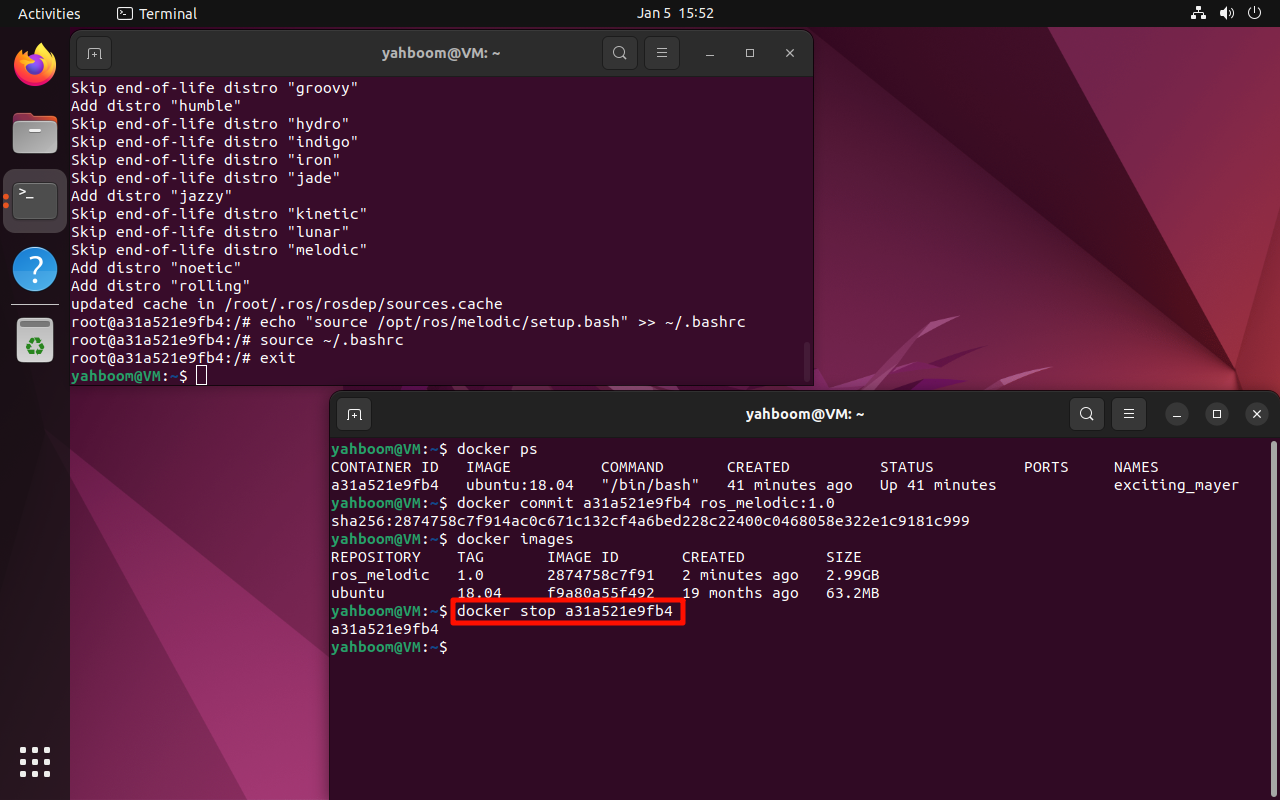
保存后,可以关闭ubuntu:18.04容器:
4、验证镜像/ROS
4.1、启动镜像
以交互模式启动ros_melodic:1.0镜像:由于小海龟案例需要在图形界面显示,所以需要允许Docker访问X Display
xxxxxxxxxx xhost + xxxxxxxxxx docker run -it -e DISPLAY=$DISPLAY -v /tmp/.X11-unix:/tmp/.X11-unix ros_melodic:1.0 /bin/bash
4.2、验证ROS环境
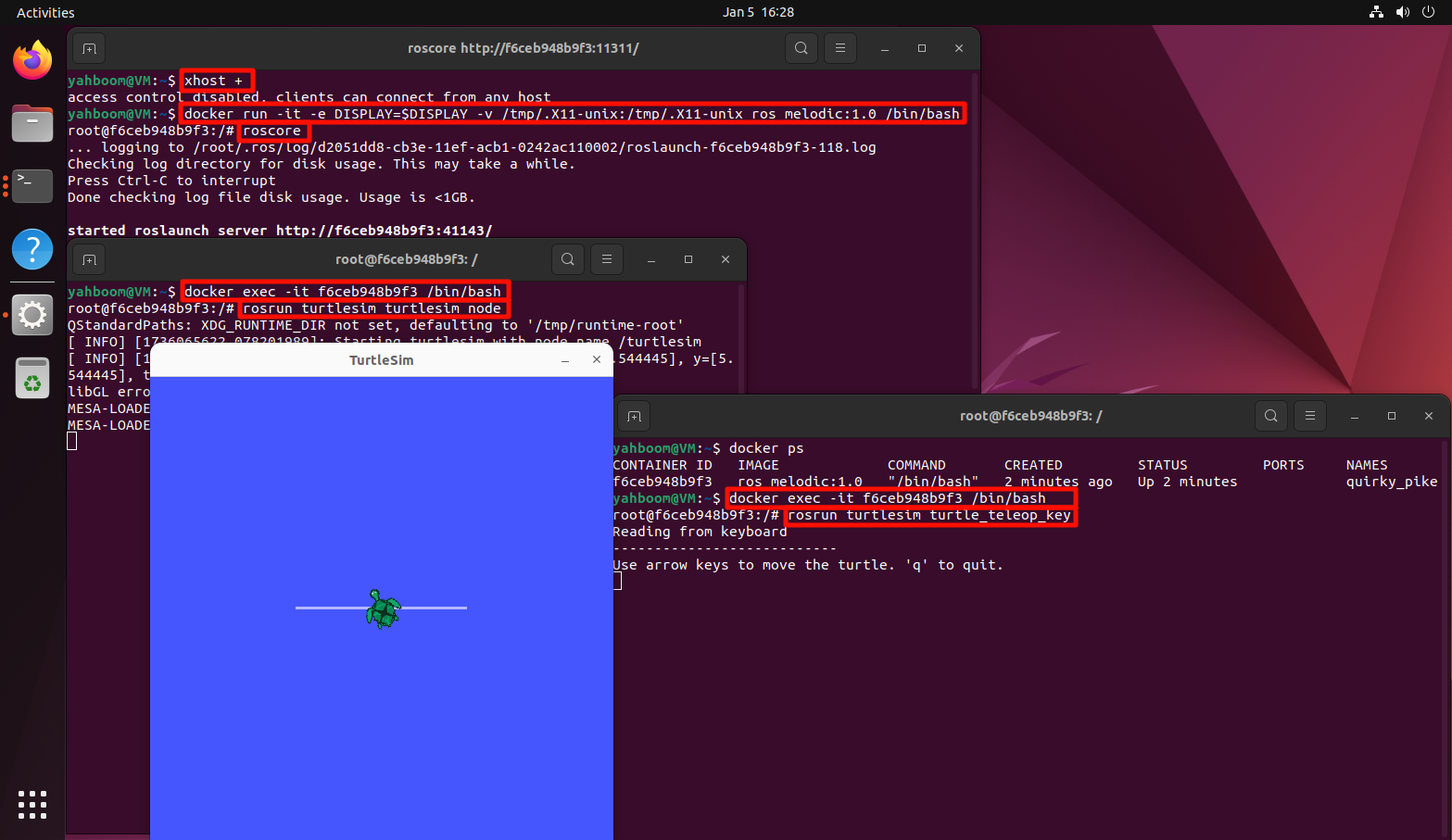
使用小海龟案例测试ROS环境:打开三个终端进入同一个容器,然后分别运行下面命令
xxxxxxxxxx roscore xxxxxxxxxx rosrun turtlesim turtlesim_node xxxxxxxxxx rosrun turtlesim turtle_teleop_key
注意:鼠标必须停留在第三条命令窗口才能控制小乌龟