预览CSI摄像头画面
1、实现原理
使用CSICamera()函数从CSI摄像头捕获画面。
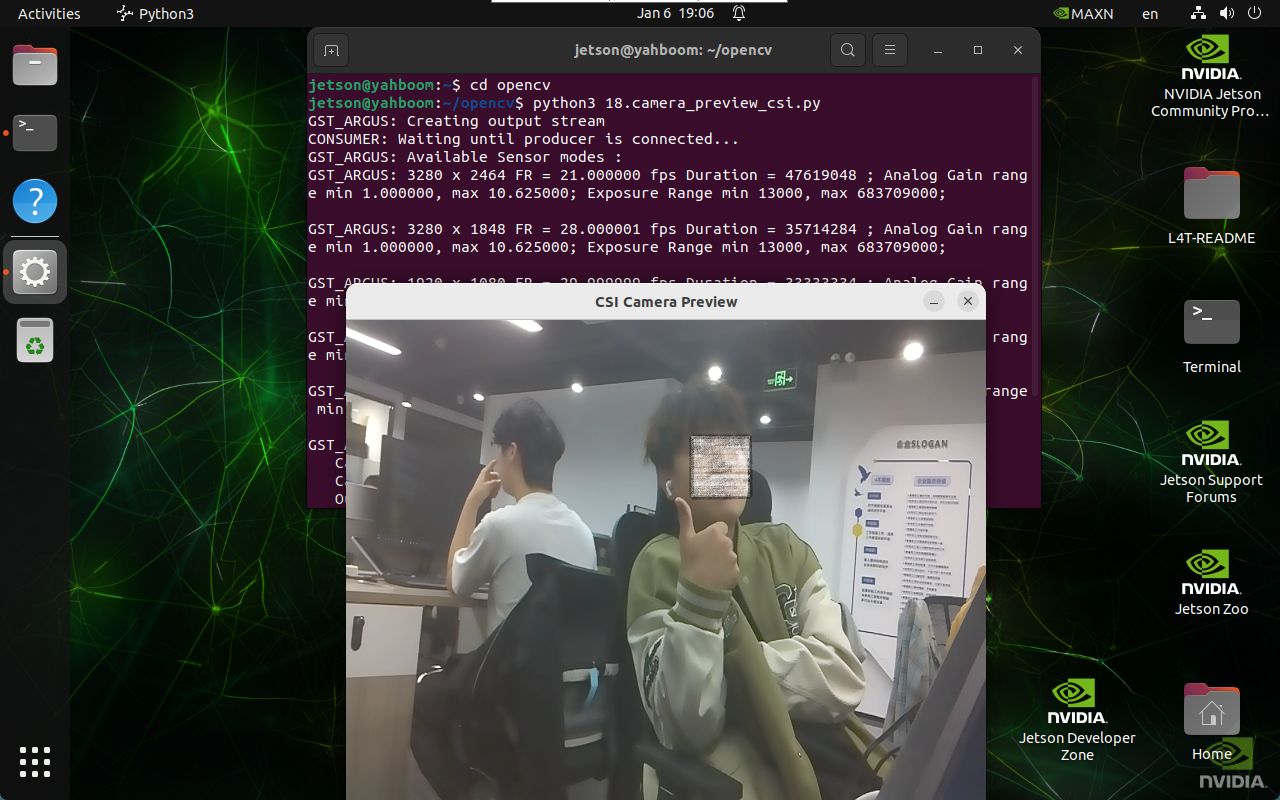
2、实现效果
cd ~/opencv xxxxxxxxxx python3 18.camera_preview_csi.py # 程序默认打开video0,打开其它摄像头自行修改设备号
注意:选中摄像头画面按q可以退出程序!
3、实现代码
x import cv2 from jetcam.csi_camera import CSICamera def preview_usb_camera(): cap = CSICamera(capture_device=0, width=640, height=480) while True: frame = cap.read() if frame is not None: cv2.imshow('CSI Camera Preview', cv2.resize(frame, (640, 480))) if cv2.waitKey(1) & 0xFF == ord('q'): break else: print("Error: Could not open CSI camera.") break cap.release() cv2.destroyAllWindows() preview_usb_camera()