DeepSeek Harness
Overview
DeepSeek Harness is an open-source agent runtime framework from DeepSeek. Its web interface connects to cloud models for code generation, file editing, command execution, and problem resolution.
This page describes how to install and run DeepSeek Harness on K3 Bianbu.
Platform Support
DeepSeek Harness has been verified only on K3 Bianbu LXQt. Support for other devices and platforms has not yet been verified.
1. Installation
1.1 Install Dependencies
Open a terminal on K3 and run:
sudo apt update
sudo apt install -y npm bubblewrap build-essential python3
Check the Node.js version:
node -v
Use Node.js 22.19.0 or a later 22.x release. Node.js 24 or later is also supported. This page was tested with Node.js 22.22.0.
1.2 Install DeepSeek Harness
Create a dedicated directory and install the supported version:
mkdir -p "$HOME/deepseek-harness-k3"
cd "$HOME/deepseek-harness-k3"
npm install --save-exact @deepseek-ai/dsh@0.1.0-rc.6
The first installation downloads the full dependency tree and may compile a few native modules. On K3 with a cold cache, installation takes about 22 minutes, although the actual time depends on the network, storage, and cache state. High CPU usage or a period without new output does not necessarily indicate a failure. Allow the installation to continue unless an error is reported.
Keep the generated package-lock.json file. It records the exact dependency versions resolved during installation.
1.3 Run DeepSeek Harness
Start the DeepSeek Harness web UI:
node --expose-internals "$HOME/deepseek-harness-k3/node_modules/.bin/dsh" web
The following output indicates that the web service is running:
dsh web: http://127.0.0.1:3080
Keep the terminal running, then open this address in the device browser:
http://127.0.0.1:3080
The DeepSeek Harness web UI opens in the browser. Configure an API key to connect to a model.
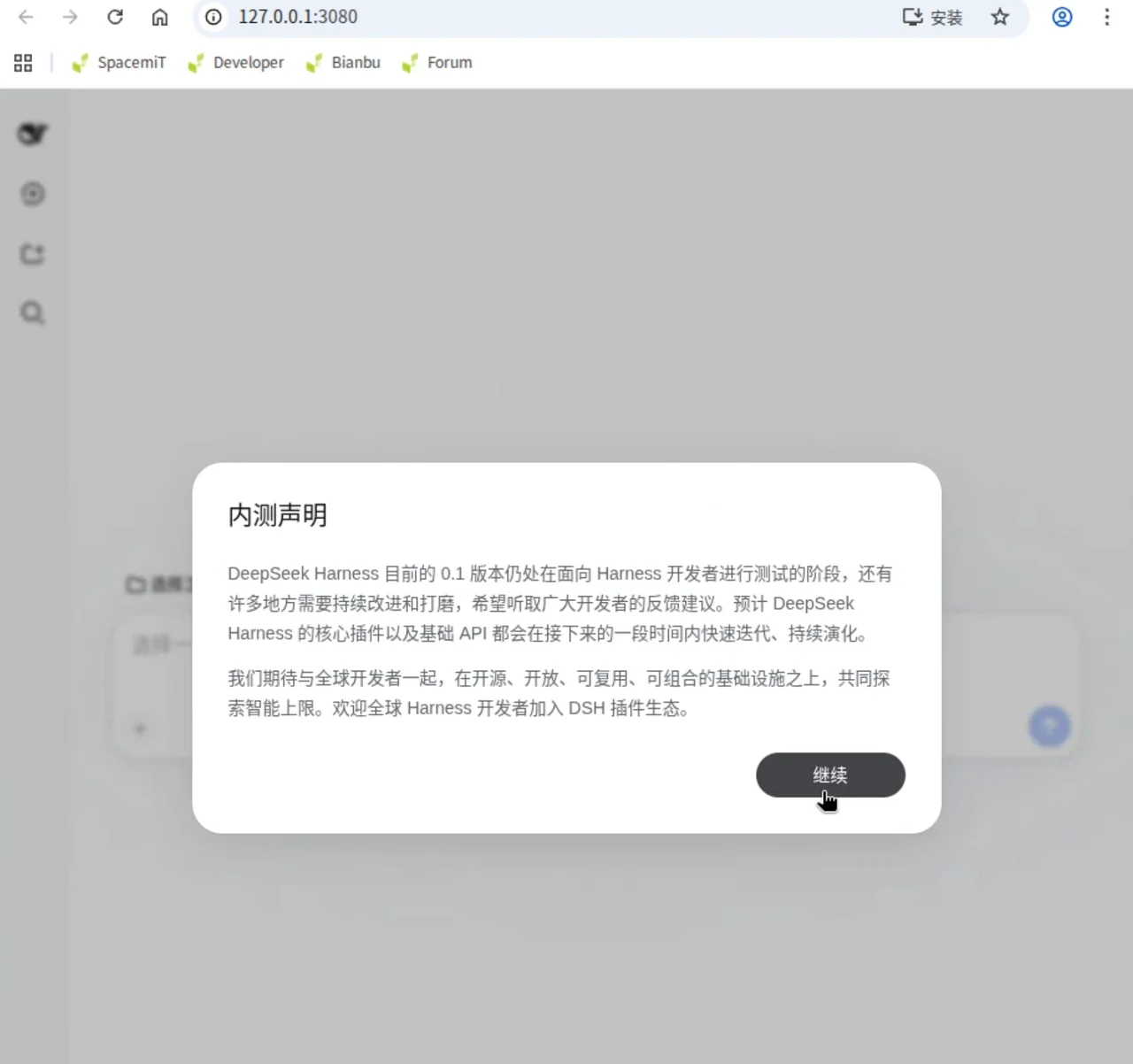
To create a system command for DeepSeek Harness and start it more easily later, follow the configuration in the appendix.
2. Configure a K3 Local AI Model as a DSH Plugin
This feature is coming soon.
Appendix
Create the dsh Command
Run the following commands to create a user-level dsh command:
mkdir -p "$HOME/.local/bin"

printf '%s\n' \
  '#!/bin/sh' \
  'exec node --expose-internals "$HOME/deepseek-harness-k3/node_modules/@deepseek-ai/dsh/lib/bin.js" "$@"' \
  > "$HOME/.local/bin/dsh"

chmod 755 "$HOME/.local/bin/dsh"
export PATH="$HOME/.local/bin:$PATH"
Verify the command:
dsh --version
This output confirms that the command is configured correctly:
0.1.0-rc.6