Introduction
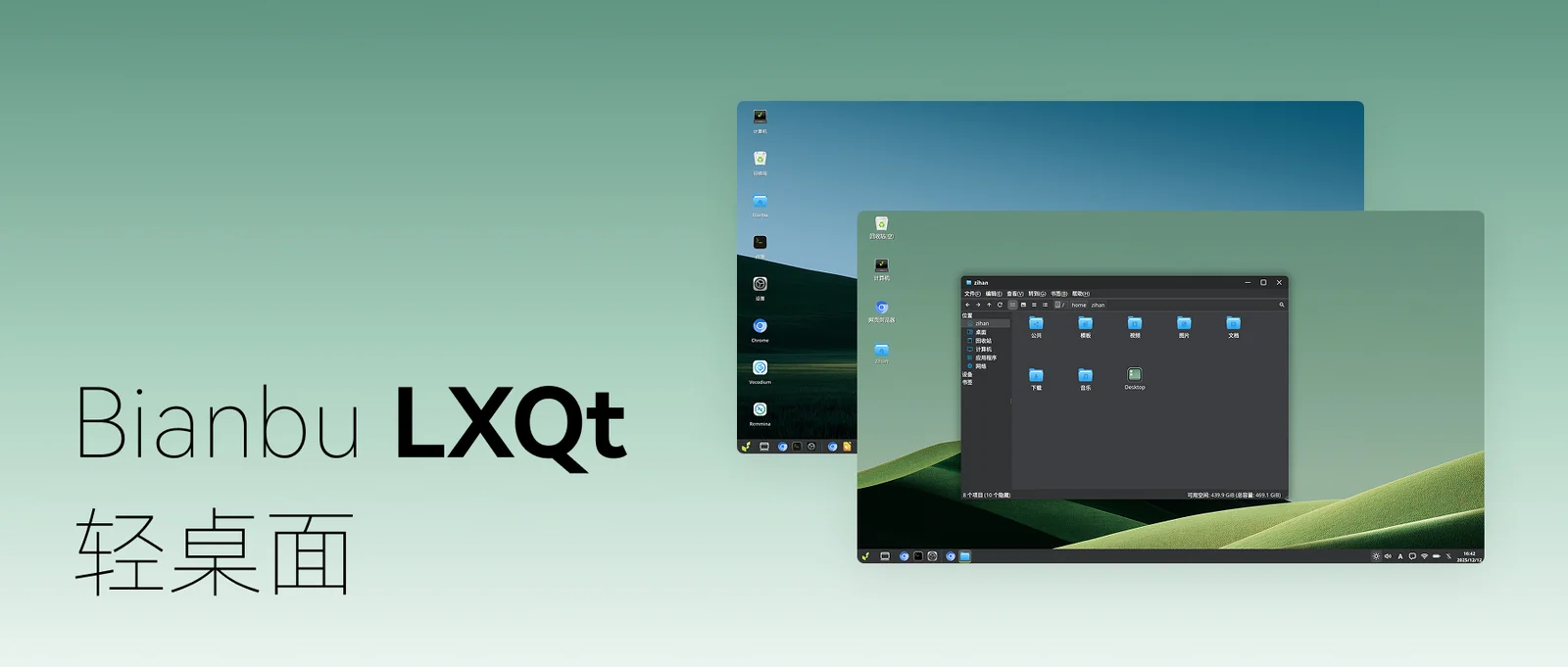
Bianbu LXQt is a lightweight desktop environment built on the Labwc compositor and the Qt framework. It is designed to combine a clean visual style with intuitive and efficient interaction, delivering a modern desktop experience that remains fast, responsive, and resource-efficient.
Overview
Bianbu LXQt deeply integrates the LXQt desktop environment with the Labwc Wayland compositor. By leveraging Labwc’s efficient Wayland-native composition, the desktop redefines the underlying user experience on the Bianbu system.
The result is a desktop environment that is:
- Visually consistent
- Exceptionally smooth
- Carefully optimized for low resource usage
Bianbu LXQt achieves a balanced combination of minimalist design and high-efficiency interaction, making it well suited for both development and production environments.
Key Features
-
Simple and Intuitive Interaction
Modern visual design with clear and predictable workflows. Users can get started immediately with minimal learning effort. -
Lightweight and High Performance
Optimized for fast system startup, rapid application launch, and smooth desktop responsiveness, delivering near-instant feedback. -
Ready Out of the Box
Includes native toolchains for development, office work, learning, and AI workflows, enabling productivity from the first boot. -
Hardware-Accelerated and RISC-V Optimized
Fully utilizes hardware acceleration and is natively optimized for the RISC-V architecture.
Vision
To become the most smooth, efficient, and user-friendly desktop environment on the RISC-V platform.
Target Use Cases
-
Developers and Advanced users
A clean, high-performance, low-distraction environment for software development and experimentation. -
Education and Learning
Ideal for computer labs and educational devices, with a “zero learning curve” and ready-to-use setup that lowers teaching and deployment costs. -
AI Inference Terminals and Cloud Laptops
A lightweight desktop that maximizes system resources for AI workloads and cloud-based applications. -
Robotics and Industrial Computing
Provides a stable and efficient user interface for robots, SBCs, and industrial control panels.
Performance Comparison
Bianbu LXQt V2.3.0 vs. Bianbu GNOME V2.2
Test platform: K1 MUSE Book
| Category | Test Item | Bianbu GNOME v2.2 | Bianbu LXQt v2.3.0 | Improvement |
|---|---|---|---|---|
| System Startup | Power-on to login screen | 24 s | 16 s | 1.5× |
| ^ | Login to desktop ready | 17.5 s | 7.91 s | 2.21× |
| ^ | Screen unlock to desktop | 10 s | 1 s | 10× |
| Application Launch | Settings | 3.36 s | 0.93 s | 3.61× |
| ^ | MPV | 1.74 s | 0.96 s | 1.81× |
| ^ | Terminal | 3.3 s | 0.37 s | 8.92× |
| ^ | Image Viewer | 1.76 s | 0.21 s | 8.38× |
| ^ | File Manager | 1.5 s | 0.43 s | 3.49× |
| Resume | Wake from suspend | 2.3 s | 1.2 s | 1.91× |
| Display Frame Rate | File manager scrolling | 45 FPS | 85 FPS | 1.88× |